> ## Documentation Index
> Fetch the complete documentation index at: https://meilisearch-6b28dec2-add-platform-documentation.mintlify.site/llms.txt
> Use this file to discover all available pages before exploring further.
# Billing
> Understand how Meilisearch Cloud billing works, view your estimated next bill, and manage payment settings through Stripe.
Meilisearch Cloud billing is fully powered by Stripe. The **Billing** tab in the Cloud dashboard shows a summary of your current billing settings and an estimate of your next bill. For invoice history, payment methods, and billing information, click **Manage billing settings and invoices** to open the Stripe customer portal.
## Billing models
| | Resource-based | Usage-based |
| ------------------------ | -------------------------------------- | ---------------------------------------- |
| **What you pay for** | Fixed CPU, RAM, and storage allocation | Number of searches and documents indexed |
| **Billing cycle** | Hourly (prorated) | Monthly |
| **Price predictability** | High | Varies with traffic |
See [project types](/capabilities/platform/infrastructure/overview#resource-based-vs-usage-based-projects) for guidance on which model to choose.
## The Billing tab
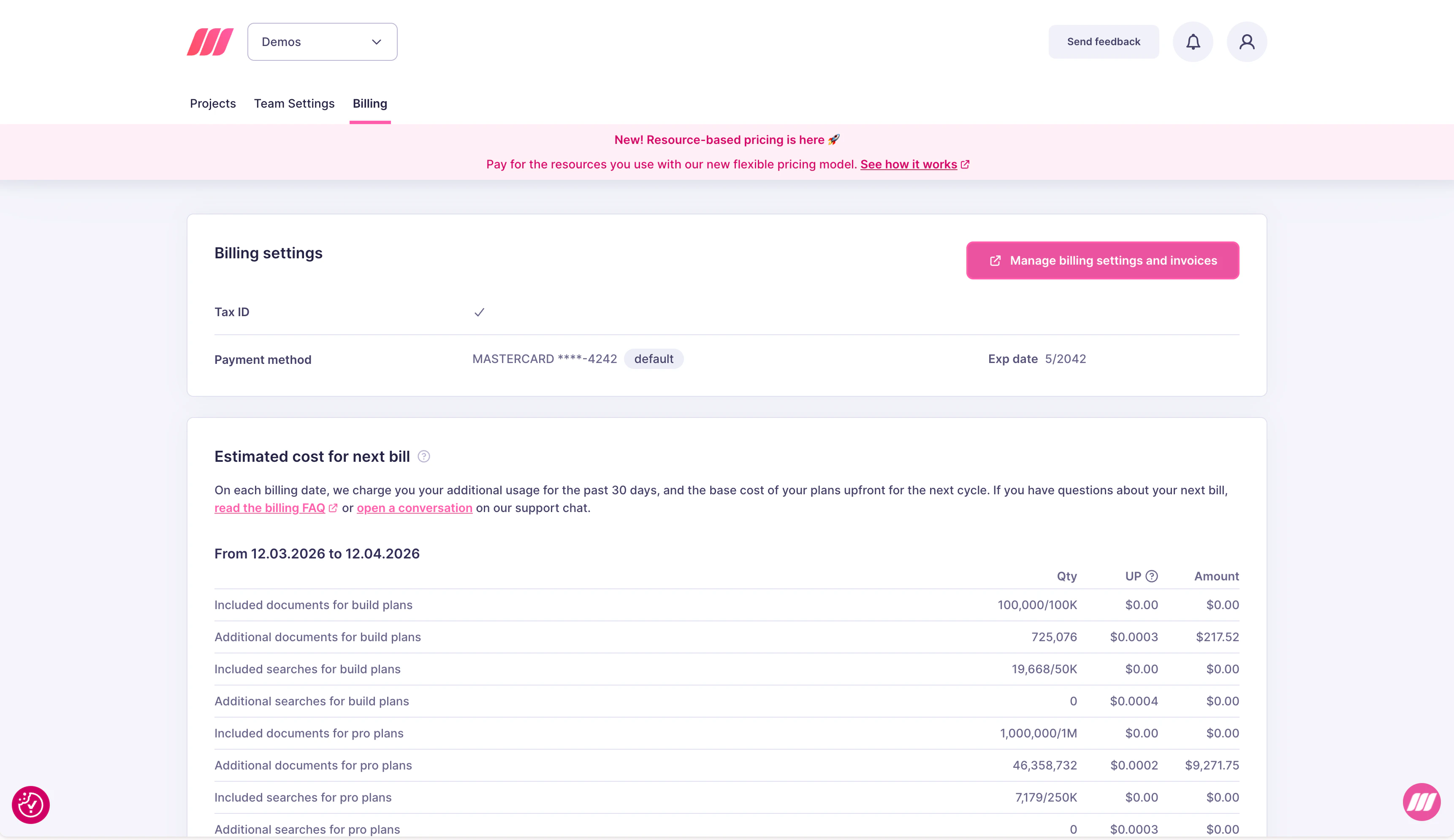 The Billing tab shows:
* **Billing settings**: your current Tax ID and default payment method
* **Manage billing settings and invoices**: button to open the Stripe portal for full billing management
* **Estimated cost for next bill**: a line-by-line breakdown of charges accrued in the current billing period, covering all active projects
## What affects your bill
Only active projects generate charges. Deleting a project stops billing immediately. Team members and API keys do not affect billing.
## Next steps
How billing works, resource pricing, and cost estimation
View and download your billing history via Stripe
Add or update payment methods via Stripe
The Billing tab shows:
* **Billing settings**: your current Tax ID and default payment method
* **Manage billing settings and invoices**: button to open the Stripe portal for full billing management
* **Estimated cost for next bill**: a line-by-line breakdown of charges accrued in the current billing period, covering all active projects
## What affects your bill
Only active projects generate charges. Deleting a project stops billing immediately. Team members and API keys do not affect billing.
## Next steps
How billing works, resource pricing, and cost estimation
View and download your billing history via Stripe
Add or update payment methods via Stripe